

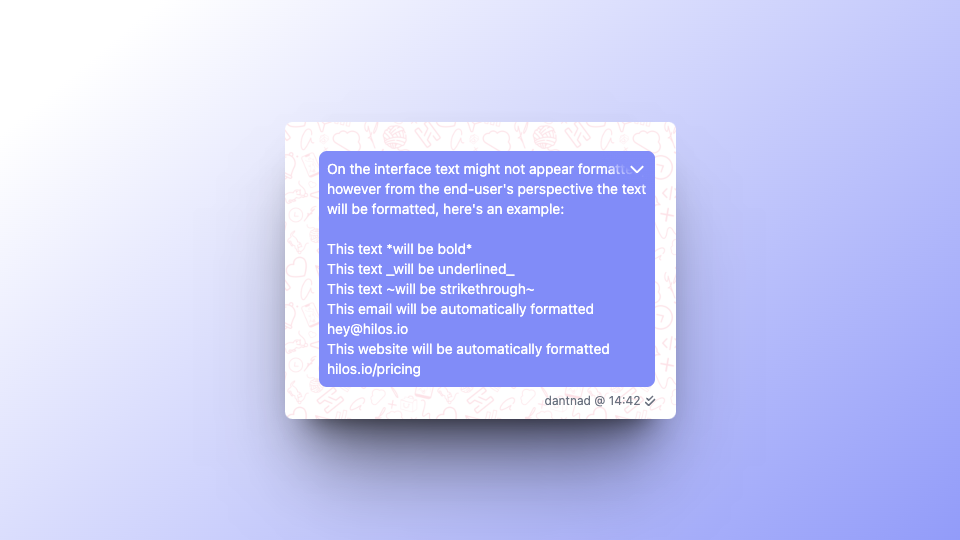
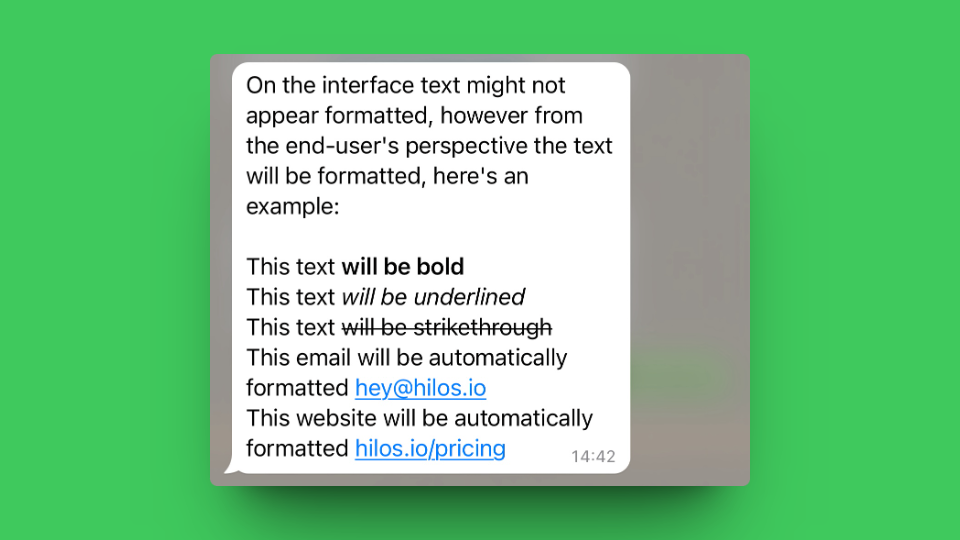
- To make a text bold, you can use the
*character before and after the text you want to make bold. For example,*this is bold*will be shown as this is bold. - To make a text italic, you can use the
_character before and after the text you want to make italic. For example,_this is italic_will be shown as this is italic. - To make a text strikethrough, you can use the
~character before and after the text you want to strikethrough. For example,~this is strikethrough~will be shown asthis is strikethrough. - To make a text monospace, you can use the
character before and after the text you want to make monospace. For example,this is monospace``` will be shown asthis is monospace. - To make a bullet list you can use the
*character before the text you want to make a bullet list. For example,* this is a bullet listwill be shown as:- this is a bullet list
- To make a numbered list you can write a number followed by a dot
1.before the text you want to make a numbered list. For example,1. this is a numbered listwill be shown as:- this is a numbered list
- To format a quote you can use the
>character before the text you want to format as a quote. For example,> this is a quotewill be shown as:this is a quote
- Inline code can be formatted using the ` character before and after the text you want to format as code. For example, `this is inline code` will be shown as
this is inline code. - Links are automatically detected and shown as links inside the app.
*this is bold and _this is italic_* will be shown as this is bold and this is italic.
You can also use this style formatting when creating a template so that the text inside of a template has an specific format.