

- Use Conversation Tags: These are utilized to classify individual conversations and later measure metrics such as the number of Support versus Sales conversations.
- Close conversations (either manually or automatically) to ensure conversations do not remain open for longer than necessary.
- Choose the correct report based on your requirement: whether you want to look at a general summary, delve into team performance (reports by agent), analyze conversation reasons (reports by tag), or access raw data (detail).
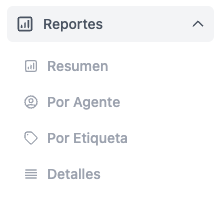
Summary
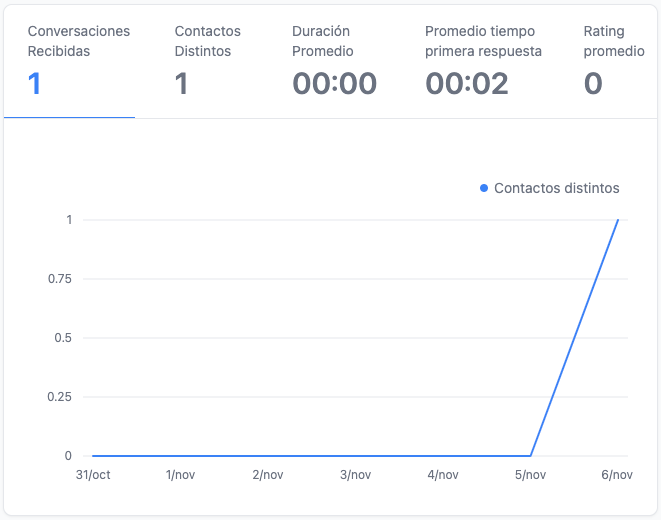
This serves to provide a general idea of the state of your team’s conversations. It includes:- Conversations in period
- Messages in period
- Conversations by source
- Metrics in charts
- Summary of Inbox & Inbound conversations (weekly)
- Summary of Inbox & Inbound conversations (daily)
By Agent
This is useful for comparing usage among different agents. It includes:- Conversations per Agent
- Messages per Agent
- Metrics in charts (grouped by agent)
- Inbox Summary (by agent)
By Tag
This helps compare the most common reasons for contact. It is generated based on the conversation tags information. It includes:- Conversations by Tag
- Metrics in charts (grouped by tag)
- Inbox Summary (by tag)