

flow_execution_variables. Note that these variables are global to a flow execution, not tied to a specific contact. If a flow execution involves multiple contacts, these variables will apply to all of them.
Adding a Flow Execution Variable
To utilize flow execution variables, ensure your account has the feature flag enabled. Request activation through our support channel. Once activated, a new field will appear in the flow configuration. Here, you can input the desired variables within the API call. Enter the name and type, then save them.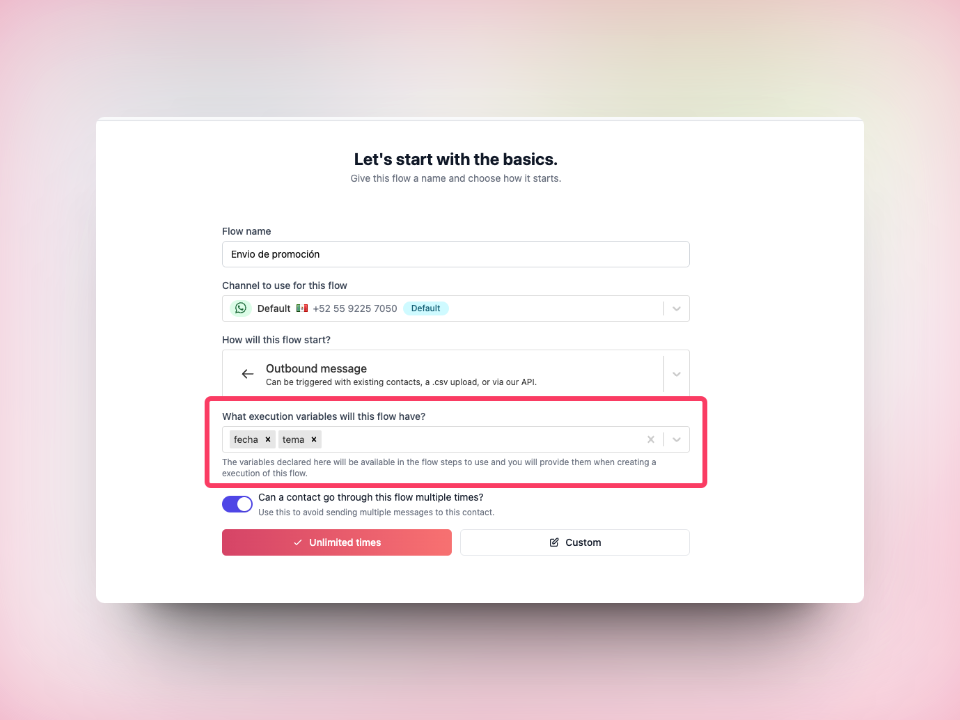 Now, you can select these variables within the flow.
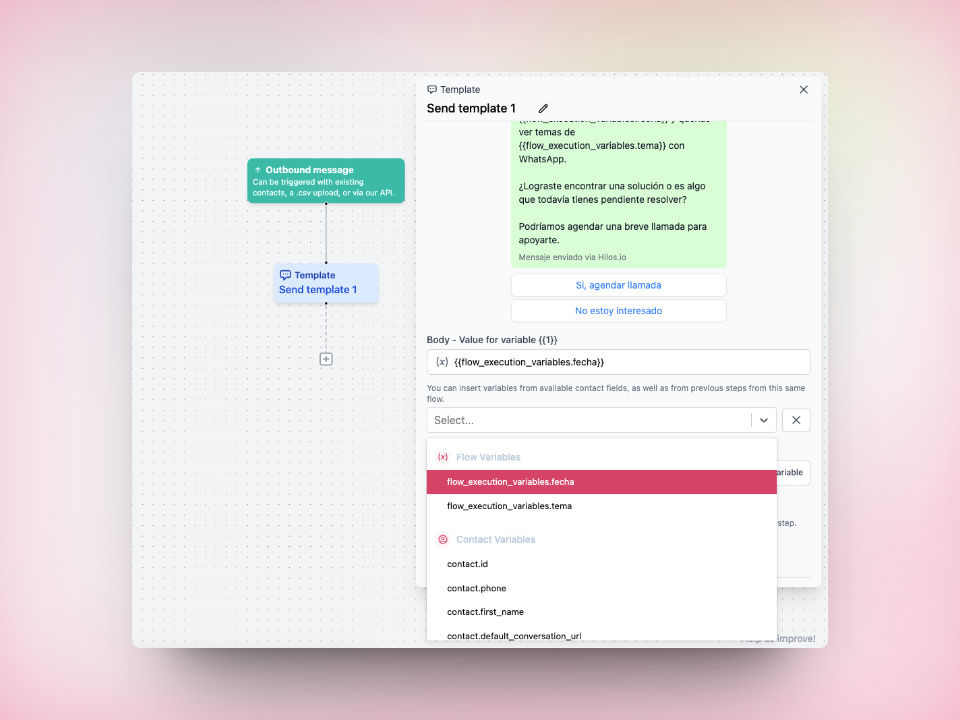
Formatting Your API Call
The API call for flow execution variables differs slightly from a standard API call. You must include a new keyflow_execution_variables with an object containing the expected variable keys for the flow. Remember, these variables are not contact-specific. To assign different variables to various contacts, create multiple flow executions using separate API calls.
The API call should resemble: